Editable Poly

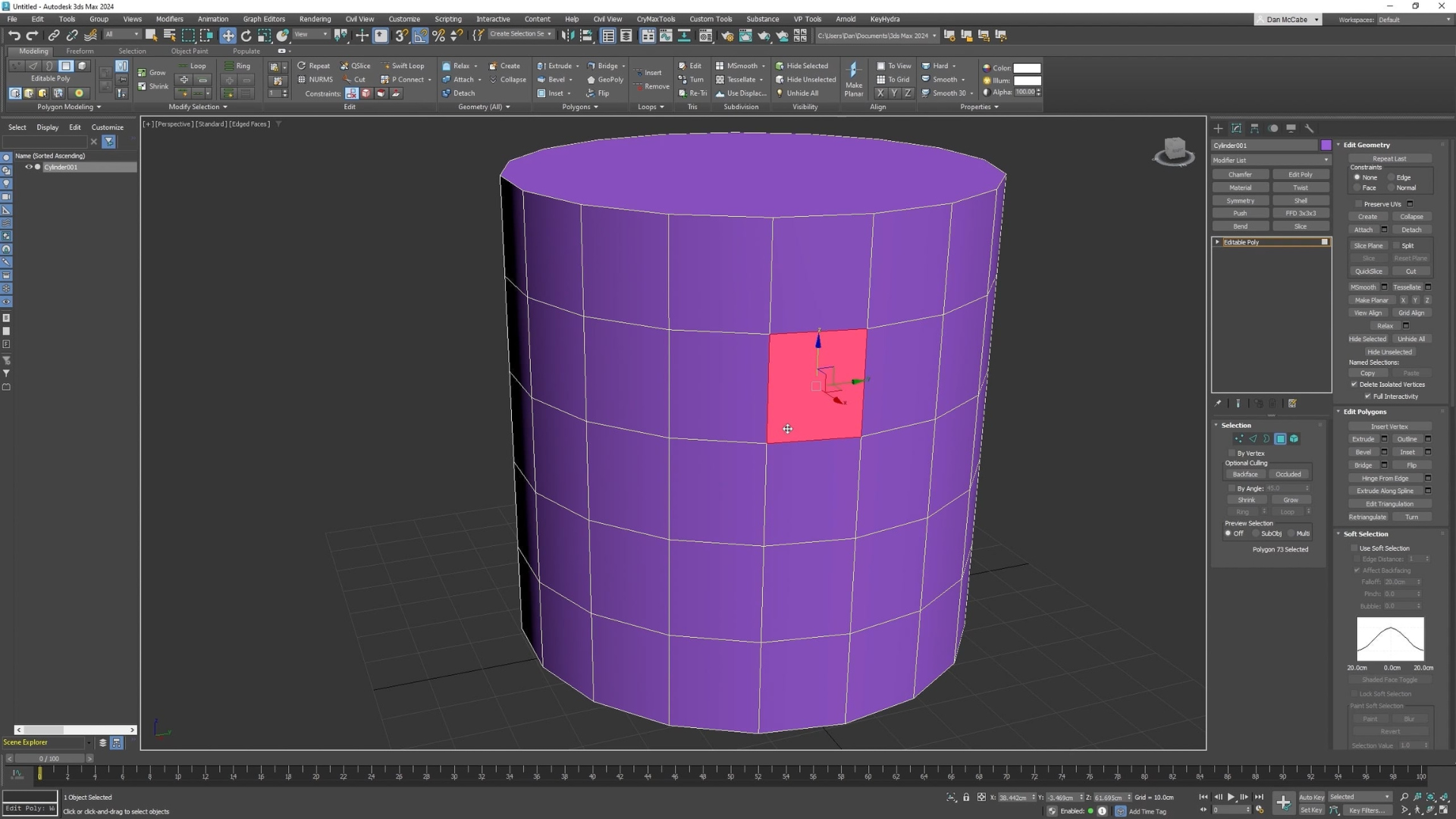
Learn how to convert a model to an Editable Poly and begin shaping it by selecting vertices, edges, borders, polygons, and elements, giving you full control over the geometry for detailed modelling.

Up next
Episodes in this Tutorial

1136553183
04:16
1136554419
10:35
1136556028
06:19
1136557802
08:39
1136565696
05:18
1136567261
03:13
1136568771
04:06
1136660034
07:51
1136661839
05:25
1136671895
10:06
3ds-max
job-options
tut_wQX0DEaQ_20131225
terminology
tut_wQX0DEaQ_20121225
gaming-vs-game-dev
tut_wQX0DEaQ_20111225
autonomous-learning
tut_wQX0DEaQ_20101225
tree-explanation
tut_wQX0DEaQ_20091225
3ds-max
tut_49ERVzeW_20131125
3ds-max
tut_49ERVzeW_20111125
blender
cha_wQXRw8AW_20180125
tut_XQYRrBe9_20200525
unreal
tut_xmej6nwQ_20140525
tut_VmALqG8W_20280425
maya
tut_496BbeZ9_20020225
maya
tut_496BbeZ9_20010225
breaking-the-box
cha_49ERVzeW_20280125
tut_49ERVzeW_20280125
topology
tut_xmeGbn69_20180125
materials
cha_wQXRw8AW_20180125
tut_wQXRw8AW_20180125
materials
tut_jW7lvpVm_20140225
tut_wQX4dKxQ_20140425